FLUX Fill Pro API and MCP for AI agents
TollNode gives Claude, Cursor or any AI agent FLUX Fill Pro, Black Forest Labs' inpainting and outpainting model, over API and MCP, from $0.069 per image, with no subscription.
Send a photo and say what to change, like 'continue the scene naturally with more of the same...', and get the edited image link back.
No subscription · Sign-up optional · From $0.069 per call · Charged only when it works · No Black Forest Labs account needed
 Claude Code
Edit my photo: continue the scene naturally with more of the same surroundings
TollNode · Black Forest Labs · flux-fill-pro$0.069 · 1 image
| Result | Detail |
|---|---|
| File | 1 image link, does not expire |
| Input | your image and an instruction |
Real result, shown below.
FLUX Fill Pro image examples
Made by this node in our own tests, from the request shown under each.
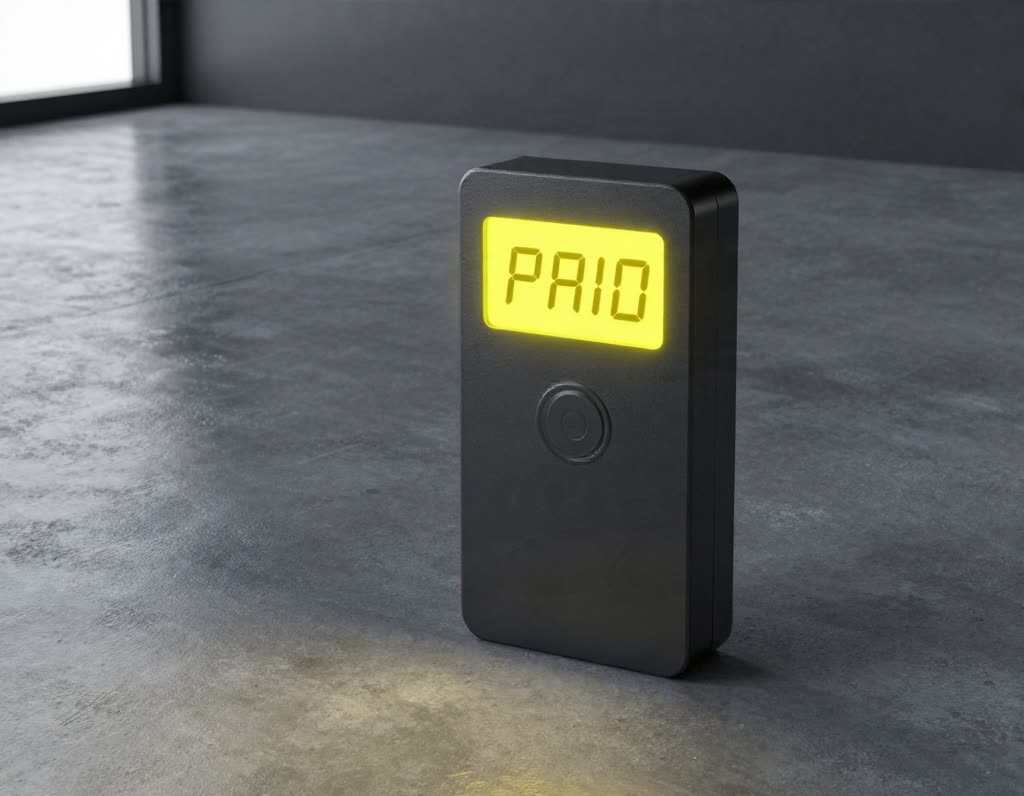 Before
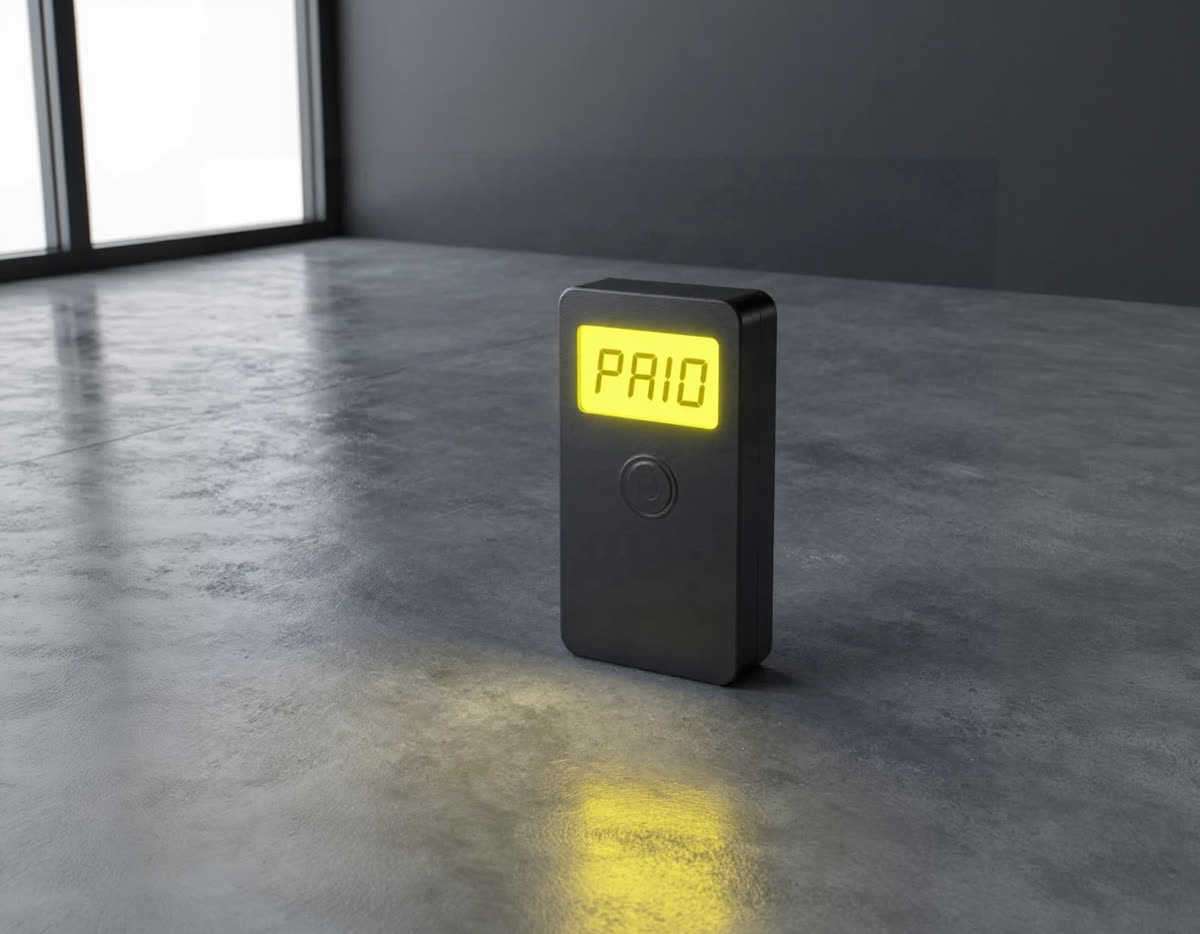 After
The request that made it
Send the same body to get this kind of result. Change the prompt or the options to get your own.
{
  "image": "https://tollnode.com/examples/image-instant.jpg",
  "prompt": "continue the scene naturally with more of the same surroundings",
  "outpaint": "Zoom out 1.5x"
}
What you control with FLUX Fill Pro
Instruction and options
Edit images with FLUX Fill Pro
Send the image and say what to change.
- Prompt
- continue the scene naturally with more of the same surroundings
- Returns
- 1 image link
You get
- prompt: what to create, in plain words
- output_format: file type: jpg, png
- seed: repeat a result by reusing the number
Source images
The images you want to change.
- image
- https://.../photo.jpg
- Prompt
- continue the scene naturally with more of the same...
- Returns
- 1 image link
You get
- image: the image to use (https link)
- mask: black-and-white mask; white is repainted
- outpaint: extend the image instead of using a mask
Result and price
FLUX Fill Pro image output
One flat price per image.
- Returns
- 1 image link
- Price
- flat, image
- Charged
- only when a result comes back
You get
- result: a link to the finished image file
- price: one flat price per image
Failed calls are never charged. Image and audio links returned by TollNode don't expire.
What people ask their AI to do with it
Ecommerce sellers
Change a product photo's setting
“Put this product on a white marble counter in soft morning light”
1 call
Cost today$0.069
Marketers
Make campaign variants
“Turn this hero photo into a winter version with snow and warm lights”
3 calls
Cost today$0.207
Photographers
Quick fixes without Photoshop
“Remove the people in the background and brighten the sky”
1 call
Cost today$0.069
Designers
Restyle a reference
“Make this photo look like a 1950s travel poster, keep the composition”
1 call
Cost today$0.069
Agencies
Revise a client image
“Change the sign text to OPEN LATE and keep everything else the same”
2 calls
Cost today$0.138
Founders
Mock up a product in context
“Place my logo mug on a desk next to a laptop in an office”
1 call
Cost today$0.069
Use it as a FLUX Fill Pro MCP server in Claude, Cursor or Codex
Connect once. Then just ask.
Paste this into Claude Code, Cursor or Codex. It connects TollNode and gives your agent a small wallet. Add a few dollars of USDC and you're done.
npx agentcash add https://tollnode.comCopy for your AI agent
Paste this into your agent so it knows what this node does and how to call it.
You can use TollNode's FLUX Fill Pro node to make an image. Call POST https://tollnode.com/api/v1/nodes/flux-fill-pro with mask (optional), image (required), prompt (required), outpaint (optional), output_format (optional). The price is one flat price per call and is charged only when a result is returned. Over MCP, call the "flux-fill-pro" tool; use list_models to see prices. Give me the file link when it is done.Price
$0.069
per image
Charged only when a call returns a result. Failed or empty calls cost $0.
FLUX Fill Pro without a Black Forest Labs account
No subscription, no credit packs
Pay per image: $0.069 for every call, whatever you ask for.
No Black Forest Labs account, no quota form
Your agent calls TollNode. You never set up billing with the model's maker or request access.
Only charged when it works
If generation fails or returns nothing, the call costs nothing.
One connection, many image models
The same setup also gives your agent other models and live data tools, so it can compare results.
FAQ
- Is this the official Black Forest Labs API?
- No. TollNode is an independent service. It gives your agent access to FLUX Fill Pro through its own API and MCP server, priced per image, with no Black Forest Labs account needed.
- Can I use it as a FLUX Fill Pro MCP server in Claude?
- Yes. Add https://tollnode.com/mcp in Claude Code, Claude Desktop or Cursor, and the "flux-fill-pro" tool appears with its options and prices.
- How much does a call cost?
- One flat price per image, the same for every call, shown above. There is nothing to choose that changes it.
- What do I send to edit an image?
- An image link in image (https) and a plain-language instruction in the prompt. Say what to change and what to keep.
- What if nothing comes back?
- You're not charged. TollNode only collects payment when a usable result is returned.
- How long are the links valid?
- They don't expire. Download the file or keep the link.
- How do I pay for FLUX Fill Pro?
- Your agent sends the request, gets an HTTP 402 with the exact price (from $0.069 per call), signs a USDC payment on Base and retries. Or use an account balance with an API key. Either way you are charged only when a result comes back.
- What does the FLUX Fill Pro response look like?
- A JSON object with a link to the finished file. The link does not expire, so you can download it later or keep the link.
Works well with
Ready in a minute
Connect your AIFor developers: endpoint, inputs and an example response
POST https://tollnode.com/api/v1/nodes/flux-fill-pro
Input
| Field | Type | Notes |
|---|---|---|
| mask | string | Optional black-and-white mask (https URL): white areas are repainted. Or send the file inline as a base64 data: URI (up to 4.5 MB) |
| seed | integer | |
| image* | string | Image to change (https URL). Or send the file inline as a base64 data: URI (up to 4.5 MB) |
| prompt* | string | What to create or change |
| outpaint | enum | Extend the image instead of using a mask. Default None (None, Zoom out 1.5x, Zoom out 2x, Make square, Left outpaint, Right outpaint, Top outpaint, Bottom outpaint) |
| output_format | enum | (jpg, png) |
Example response
{
  "images": [
    "https://tollnode.com/api/v1/files/00000000-0000-0000-0000-000000000000/0"
  ]
}
Also described in the OpenAPI file and llms.txt. Setup for every app: Agents & MCP.